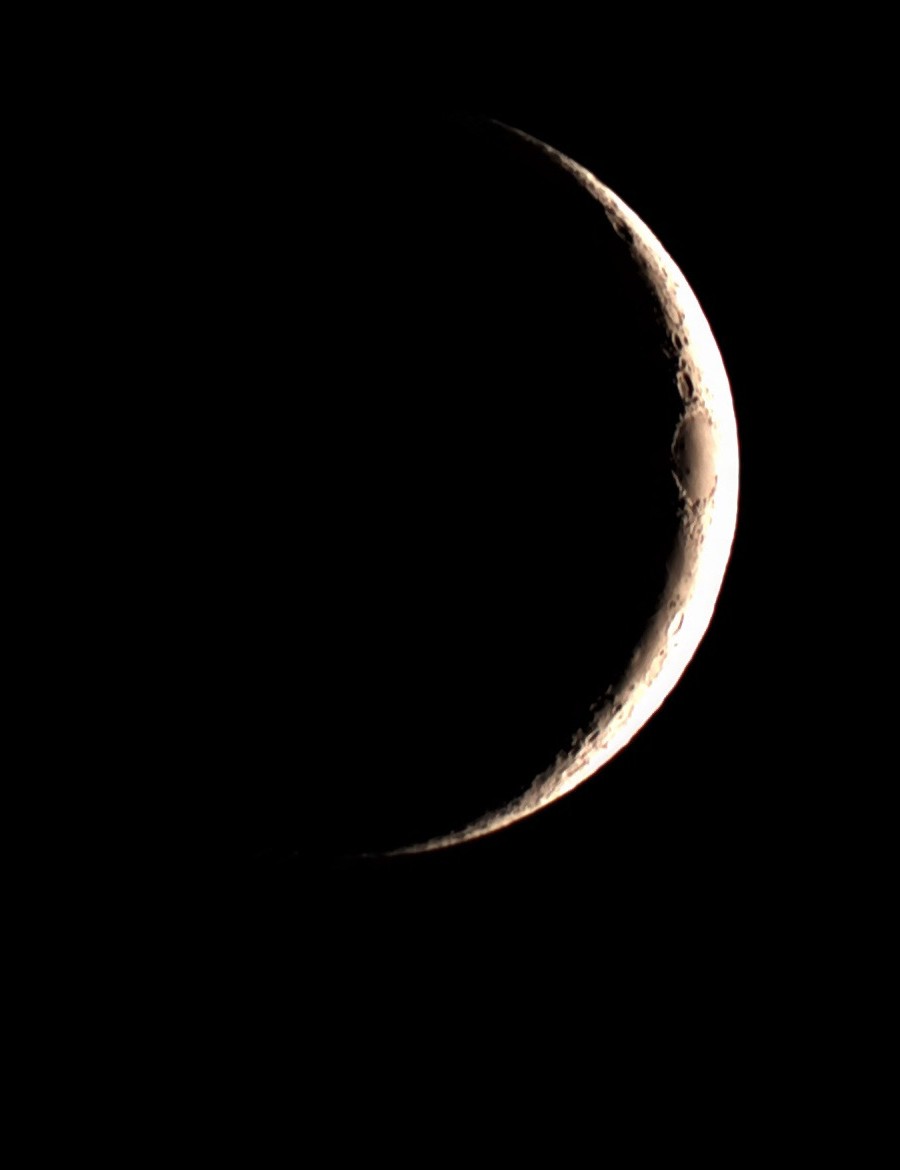
Mark your calendar now: the night of August 27 into the early morning of August 28, 2026, the full "Sturgeon Moon" slides almost entirely into Earth's shadow — 96.2% of it, to be exact. That's technically still a "partial" eclipse since totality never quite happens, but at that depth of coverage it's going to look and feel like the real thing. This is the best lunar eclipse anywhere on Earth until New Year's Eve 2028, so I wanted to get a plan together well ahead of time instead of scrambling that afternoon — both for watching it and for seeing what the S30 Pro can actually do with it.
Why This One's Worth Setting an Alarm For 🌙
Lunar eclipses happen when Earth passes directly between the sun and a full Moon, and the Moon drifts into Earth's shadow. This time, just over 96% of the Moon's disk will sit inside the dark umbral shadow at peak — deep enough that it'll take on that dim, reddish "blood moon" look even though a sliver stays outside the shadow, which is the technical difference between "partial" and "total." It's the deepest partial lunar eclipse anywhere in the world since September 2024, and the next one this dramatic won't happen until January 2028 (and that one's much shallower, only 2.4% coverage). So realistically, this is it until an actual total lunar eclipse on December 31, 2028.
One more detail worth knowing: this eclipse falls about five days after the Moon reaches apogee, its farthest point from Earth, so it'll be an average-sized full Moon — not a "supermoon" eclipse, just a very deep one.
What Time to Actually Watch
The eclipse runs a long time overall — about 5 hours and 38 minutes start to finish once you count the faint early penumbral phase — but the part worth actually watching is a much smaller window around maximum eclipse.
Peak eclipse (96.2% coverage) hits at these local times on the night of August 27 (early morning August 28 for Eastern time):
- Eastern: 12:12 a.m. EDT, Friday, Aug. 28
- Central: 11:12 p.m. CDT, Thursday, Aug. 27
- Mountain: 10:12 p.m. MDT, Thursday, Aug. 27
- Pacific: 9:12 p.m. PDT, Thursday, Aug. 27
- Alaska: 8:12 p.m. AKDT, Thursday, Aug. 27
Give yourself roughly 40 minutes on either side of your local peak time — that's when you'll actually see Earth's shadow visibly creeping across the Moon and the color shift starting to show. You don't need to sit outside for the full 5+ hours; the interesting part is a much tighter window.
One nice thing about this event compared to something like a meteor shower: you don't need a dark-sky trip for it. The Moon is bright enough that ordinary backyard light pollution isn't going to ruin the view the way it would for faint deep-sky targets. Atlanta backyard, Starfront, doesn't matter much here — though if you want the color and contrast to look their best, less haze and fewer streetlights nearby never hurts.
Can the S30 Pro Actually Capture This? 📸
Full transparency up front: I haven't personally shot a lunar eclipse with the S30 Pro yet, so this is my plan going in rather than a "here's exactly how it went" writeup — I'll update this post after the 27th with what actually happened.
The good news is that the Moon is a completely different kind of target than the nebulae and galaxies these scopes are built around. Deep-sky mode is built for stacking dozens of long, faint exposures — the Moon needs the opposite: short, fast exposures because it's an incredibly bright target, even partially eclipsed. The Seestar app's dedicated Moon/lunar imaging mode is built for exactly this — quick exposures instead of long stacked ones — so that's where I'm starting.
Where I expect it to get tricky is right around peak eclipse. As more of the Moon slides into shadow, it dims fast — we're talking several magnitudes darker than a normal full Moon by 96% coverage. An auto-exposure setting tuned for a bright pre-eclipse Moon is going to underexpose badly once the shadow deepens, so my plan is to start in the app's Moon mode while it's still bright, then switch to manual exposure and bump it up in stages as the eclipse progresses — checking the live preview rather than trusting auto-exposure to keep up. If you've got a scope with full manual exposure/gain control, this is the night to actually use it.
One limitation worth knowing going in: the S30 Pro's field of view is tight enough that you'll get a nice close, detailed shot of the Moon itself, but not the wider "eclipsed Moon glowing low over the treeline" shot people share online. That's a completely different setup — see below.
Setting Up for a Multi-Hour Night
Even though the interesting viewing window is short, getting into position and staying comfortable for it takes some planning, especially since peak eclipse lands close to midnight on a work night for a lot of us.
A few things I'm doing differently than a normal deep-sky session:
- Running a second, wide-angle camera or phone on its own tripod next to the S30 Pro, aimed to catch the Moon in context with the horizon — this is the shot the smart scope physically can't get.
- Treating this like any other multi-hour session and bringing a charged power bank rather than trusting the internal battery, since I'll likely have the scope powered on well before and after the interesting part.
- Using a red light instead of my phone flashlight so I'm not blowing out my night vision every time I check settings or the app.
Eclipse-Watching Approaches at a Glance
| Approach | What It's Good For | What It Misses |
|---|---|---|
| Smart scope (S30 Pro) in Moon mode | Close, detailed shot of the eclipsed Moon's surface and shadow line | No wider context — tight field of view can't show the Moon against the horizon |
| Smart scope, manual exposure near peak | Keeping the dimmed, reddish Moon properly exposed instead of a black frame | Requires babysitting settings instead of "set and forget" |
| Wide-angle camera/phone on a second tripod | The Moon-in-context shot — low over the horizon, glowing red | No close-up surface detail; separate gear and setup from the smart scope |
| Naked eye, no gear | The simplest and most reliable way to actually experience it | No photo record at all |
"This isn't a true blood moon — but at 96% coverage, it's the closest thing most of us will see until 2028, and that's worth losing a little sleep over."
Watch the 40 minutes around peak
That's when Earth's shadow visibly eats into the Moon and the reddish tint shows up — you don't need to watch the whole 5+ hour event.
Start in Moon mode, go manual near peak
Let the app's lunar mode handle the bright early phases, then be ready to bump exposure manually as the shadow deepens.
Bring a charged power bank
The full event runs about 5 hours 38 minutes start to finish — treat your battery plan like a real deep-sky session.
Gear That Actually Helps on Eclipse Night
Full transparency, same as always: I'm speccing these based on published details and reviews rather than a night I've already run them on — I'll update this section with firsthand notes after the 27th.
Anker Zolo Power Bank, 20,000mAh 30W Portable Charger — with peak eclipse landing near midnight and the scope realistically running for hours before and after, this is a "don't get caught with a dead battery at the worst possible moment" pick. Built-in USB-C cable, 30W high-speed charging, no separate cable to lose in the dark.
Celestron Night Vision Red LED Headlamp — hands-free red light so you can check exposure settings on the app, find a cable, or read a star chart without torching your night vision right before the interesting part of the eclipse starts. Up to 100-hour battery life, adjustable beam.